Small on purpose. Each part earns its place.
-
Command bar
⌘TOpen a page, find a tab or something from your history, or run any command, from one field.
-
Peek
⇧-clickA link opens in a sheet over the page. ⌘O keeps it as a tab; Esc puts it away.
-
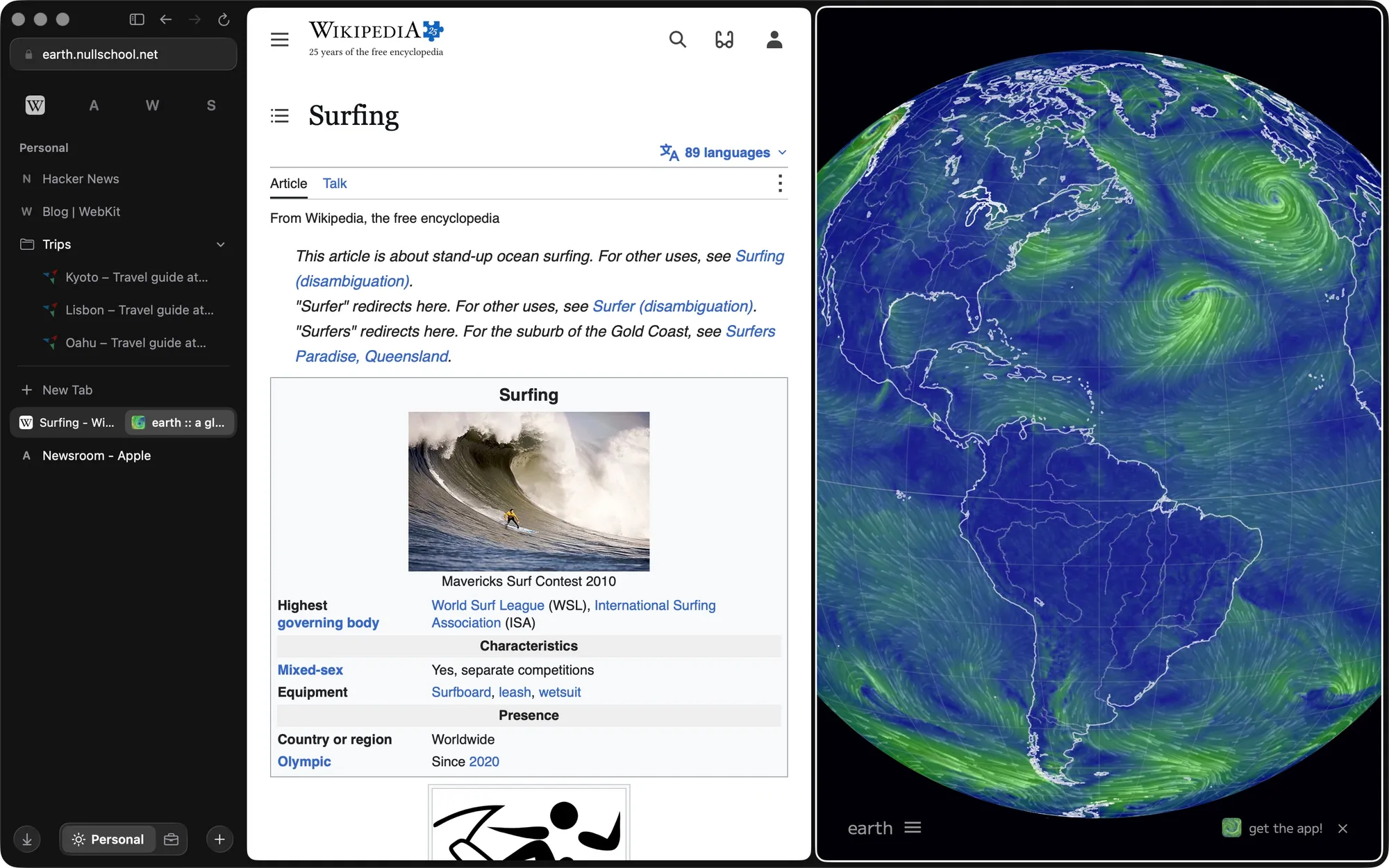
Split view
⌃⇧=Two to four pages side by side, or stacked. ⌃⇧− separates them again.
-
Little Surf
Links from other apps open in a small window. Read it and close it, or keep it in the main window.
-
Pinned and Today
⌘DPin what you come back to. Everything else lands in Today, and ⇧⌘K clears it.
-
Picture in Picture
Leave a tab that's playing video and it keeps playing in a floating window.
-
Content blocking
Ads and trackers blocked with EasyList, EasyPrivacy and uBlock filters. Turn it off for any site.
-
Traffic Control
Configure which spaces to open links from other apps in.
Separate lives stay separate.
Each space has its own data, with its own cookies, logins, cache and history. Sign in to two accounts at once, one per space. Switch with ⌃1, ⌃2, ⌃3 or a two-finger swipe on the sidebar.
- Personal Your own accounts
- Work The same sites, signed in as work
- Side project A third set of logins
- Incognito In memory only, gone on close
Everything is one keystroke away.
⌘T opens the command bar. Type a site, a tab you lost, or a command. This one works; try “split” or “copy”.
Surf's real commands and default keys. You can change any key.
Bring your Arc data with you.
Surf can import you Arc's sidebar and history. Run it again whenever you like: what you've already moved stays where you put it.
Frequently Asked Questions:
What's under the glass?
WebKit, the engine Safari uses.
Where does my data live?
On your Mac. No new account required.
What about passwords?
Surf has no password manager of its own. Use your global password manager and autofills.
Which search engine does it use?
DuckDuckGo, for anything you type in the command bar that isn't an address.
Can I download it?
Not yet. Coming soon.